
You can export documents as files.
To export a document as a file
1. Select the document in the Document Tree.
2. In the Document Center, from the File menu, click Export Document(s).
The Export Document As dialog box appears.
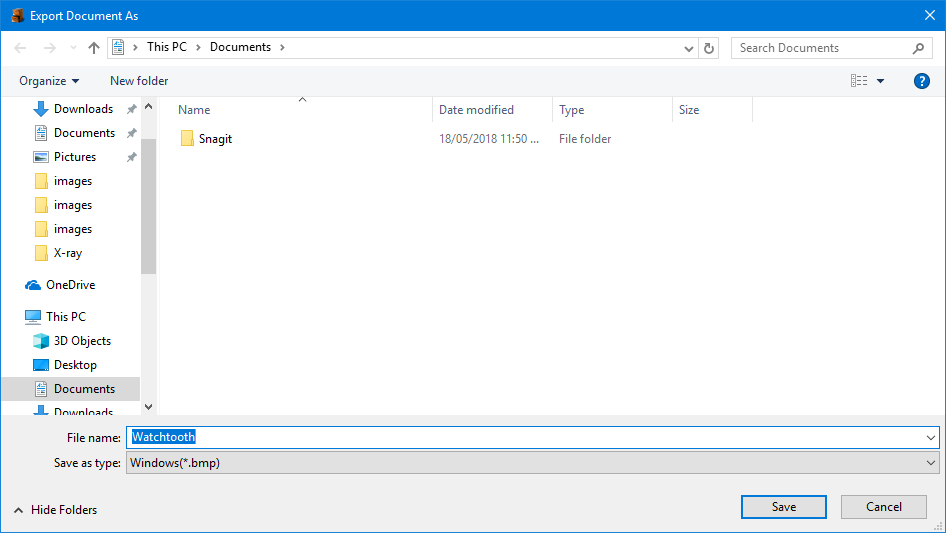
3. Select where you want to save the file. Change the file name and extension if necessary.
4. To export the document, click Save.